From In-Person Kiosks to Virtual Support – Strengthening Digital Accessibility and Cybersecurity Awareness
Accessibility and security aren’t just checkboxes, they’re what make our digital workplace inclusive and safe for everyone. That’s why the IT Accessibility Office (ITAO) and the Cyber Security Team collaborated to host an event dedicated to strengthening digital accessibility and cybersecurity awareness last month.
In November 2025, we hosted an in-person kiosk at 22 Eddy where employees could drop by to chat with experts and get answers to real-world questions about accessibility and cybersecurity best practices.
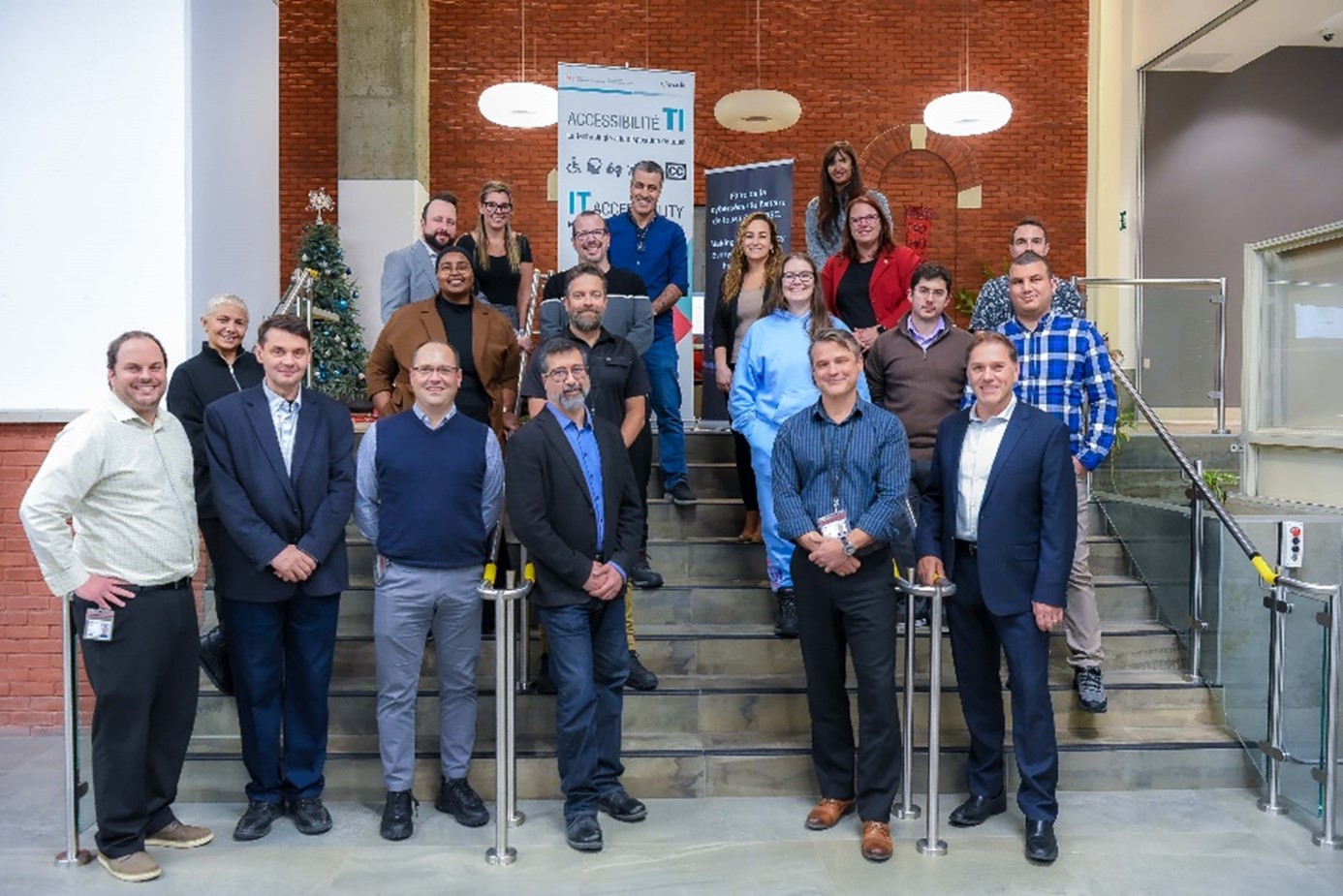
Figure 1: The IT Accessibility Office and Cyber Security Team at the 22 Eddy in-person kiosk.
Thank you to our IITB Accessibility Co-Champions, Mathieu Leprohon and Alexandre Singh, as well as Jacob Raffoul, Director General of the Cyber and IT Security Directorate, for taking the time to visit the kiosk and show just how committed they are to building a workplace where everyone can work with confidence.
Expanding Access Through Virtual Engagement
ITAO hosted its second One-Stop Accessibility Virtual Kiosk on December 4, 2025. This online kiosk gave employees virtual drop- in access to experts, tools, and tips. Topics covered included:
- How to make documents accessible (e.g. checking colour contrast in digital content)
- Mobility and cognitive support options
- Resources for employees who are hard of hearing
- Adaptive technology support and loan bank services
ITAO would love to hear from you! If you joined us for this event, were your questions answered? Do you have any recommendations on how we can improve the kiosk? If so, please let us know by contacting us at EDSC.TI.SENSIBILISATION-AWARENESS.IT.ESDC@hrsdc-rhdcc.gc.ca.
What’s Next? Your Role in Building an Inclusive Digital Workplace
- Accessibility and security start with awareness and action. Want to learn more or get involved? Reach out to ITAO EDSC.TI.SENSIBILISATION-AWARENESS.IT.ESDC@hrsdc-rhdcc.gc.ca or the Cyber Security Team contact@cyber.gc.ca.
- Visit the ITAO Resources and Tools for guides and tools or to learn about upcoming events.
- Together, we can make ESDC an inclusive place where everyone can thrive.
ITAO Is Here to Help!
Accessibility isn’t limiting your style—it’s helping to ensure that your work reaches everyone, no matter the circumstances. Remember, we are here to guide you with practical and tailored support. Visit us anytime for accessibility tips, guidance, and more.
Unsure which adaptive technology would best meet your needs? Submit a request through the Request Management Tool and select “Client’s need assessment.” Alternatively, you can contact us directly at EDSC.TI-IT.A11Y.ESDC@hrsdc-rhdcc.gc.ca for expert guidance.
- IT Accessibility Office